

In case you forgot your password there are a few ways to recover it.
If you are logged in to your PPC Shield account:
- Hover over your name and email on the top-right corner so the drop-down menu appears.
- Click on “Account Settings”
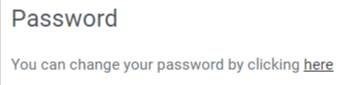
- Scroll all the way down until you reach:
If you aren’t logged in to your PPC Shield account do one of the following options:
- Go to PPC Shield’s login page, click on “Forgot Your Password?” and type in your email. Click the blue-button below and go to your email inbox to look for the email with instructions on how to reset your password.
- Contact your Dedicated Account Manager
- Contact our support team via chat or email ([email protected])